Your Receiving Dock, on Autopilot
Book appointments, check in drivers, capture BOLs, and notify customers — all from one platform.
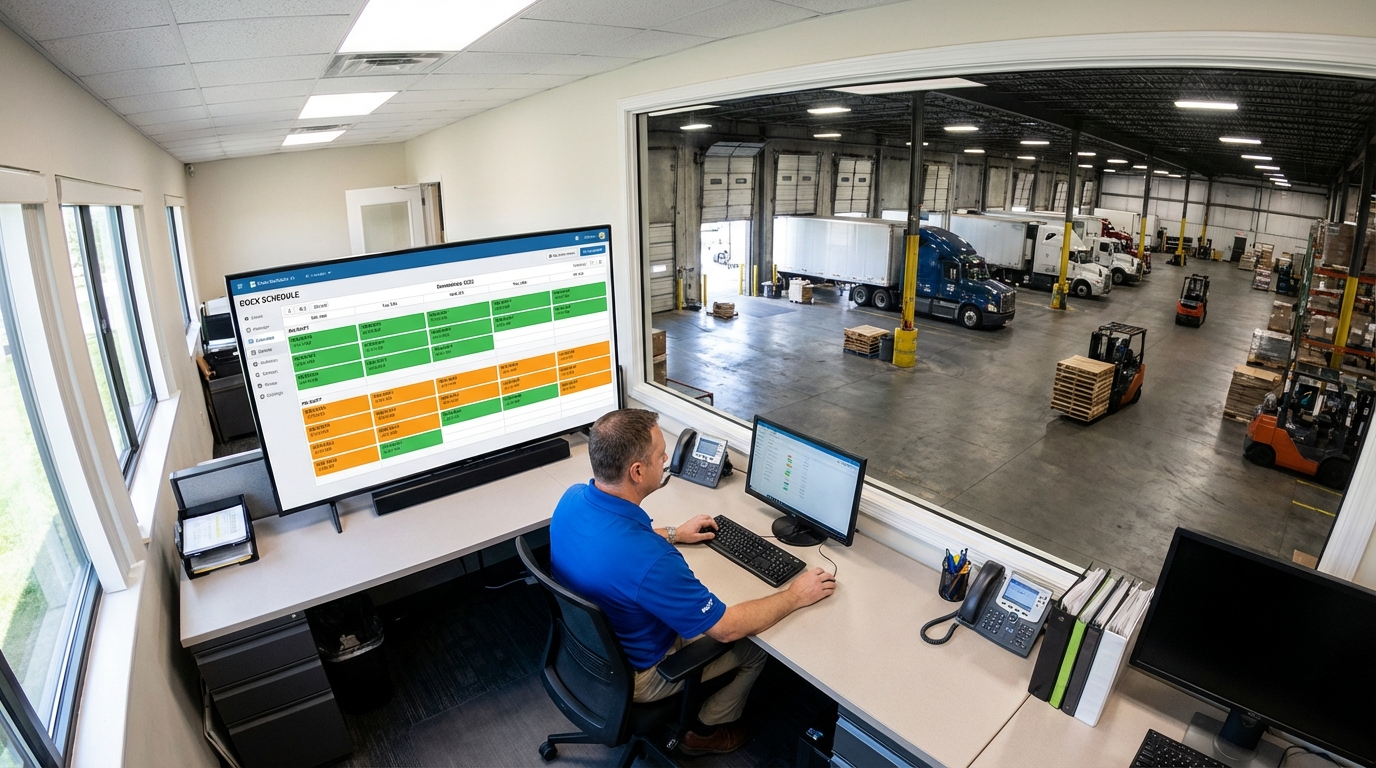
Calendar View
Monday, January 15, 2024
Door 1
Inbound
FedEx Freight
8:30 - 10:00 AM
Door 3
Inbound
XPO Logistics
12:00 - 1:30 PM
Door 5
Inbound
UPS Supply Chain
2:00 - 3:15 PM
Follow a Shipment Through Your Dock
From booking to delivery confirmation in 6 steps — every one automated.
Carrier Books an Appointment
Send carriers a booking link. They pick a date, time, and dock door based on your calendar rules. Load type, pallet count, and PO captured upfront.
Book Your Appointment
Select a date and time slot for your delivery
January 2024
Available Time Slots - Jan 15
Confirmed Instantly
Booked means booked — no approval step. An automated confirmation email goes out with appointment details, assigned dock door, and the driver’s QR code.
Driver Checks In
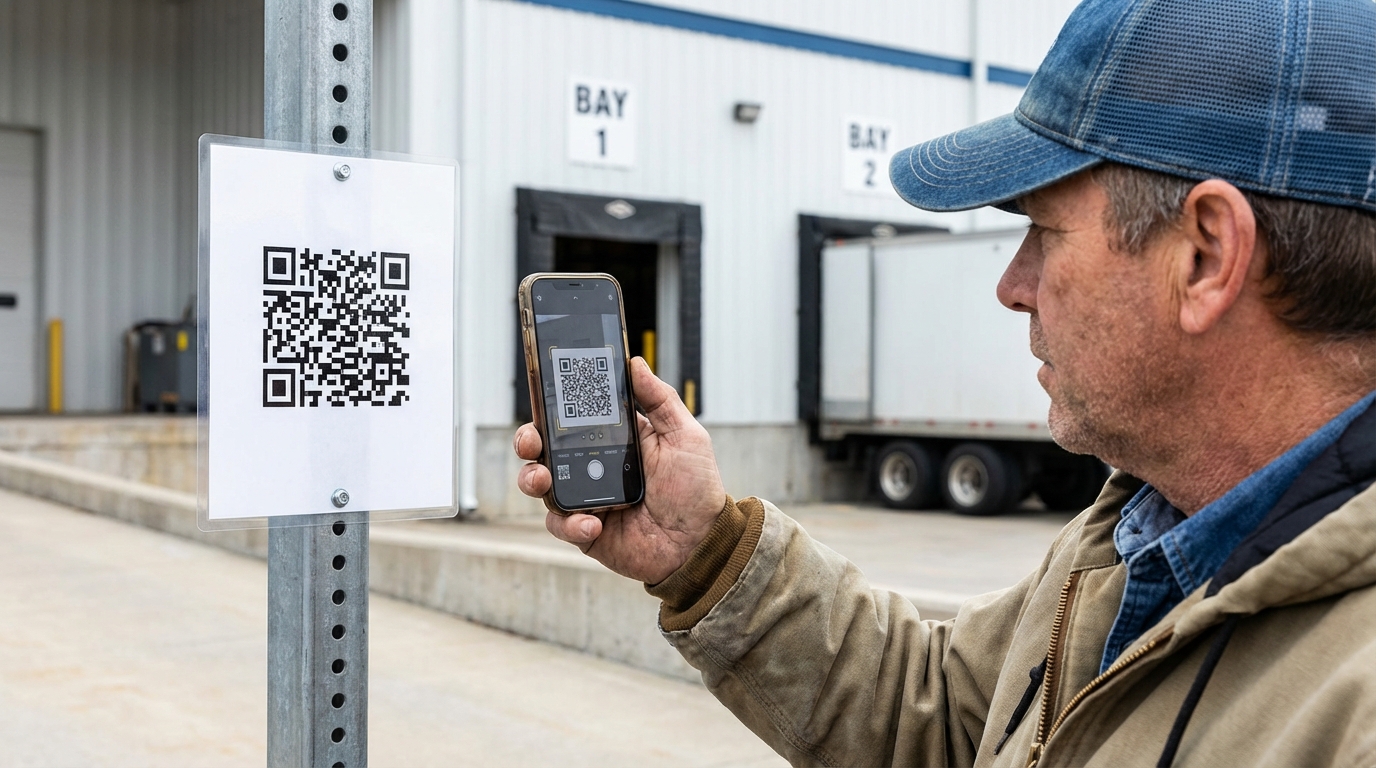
Driver scans the QR code at your gate kiosk. ProDocks timestamps the arrival and notifies your dock team — who’s here, what they’re carrying, which door.
Unload Starts
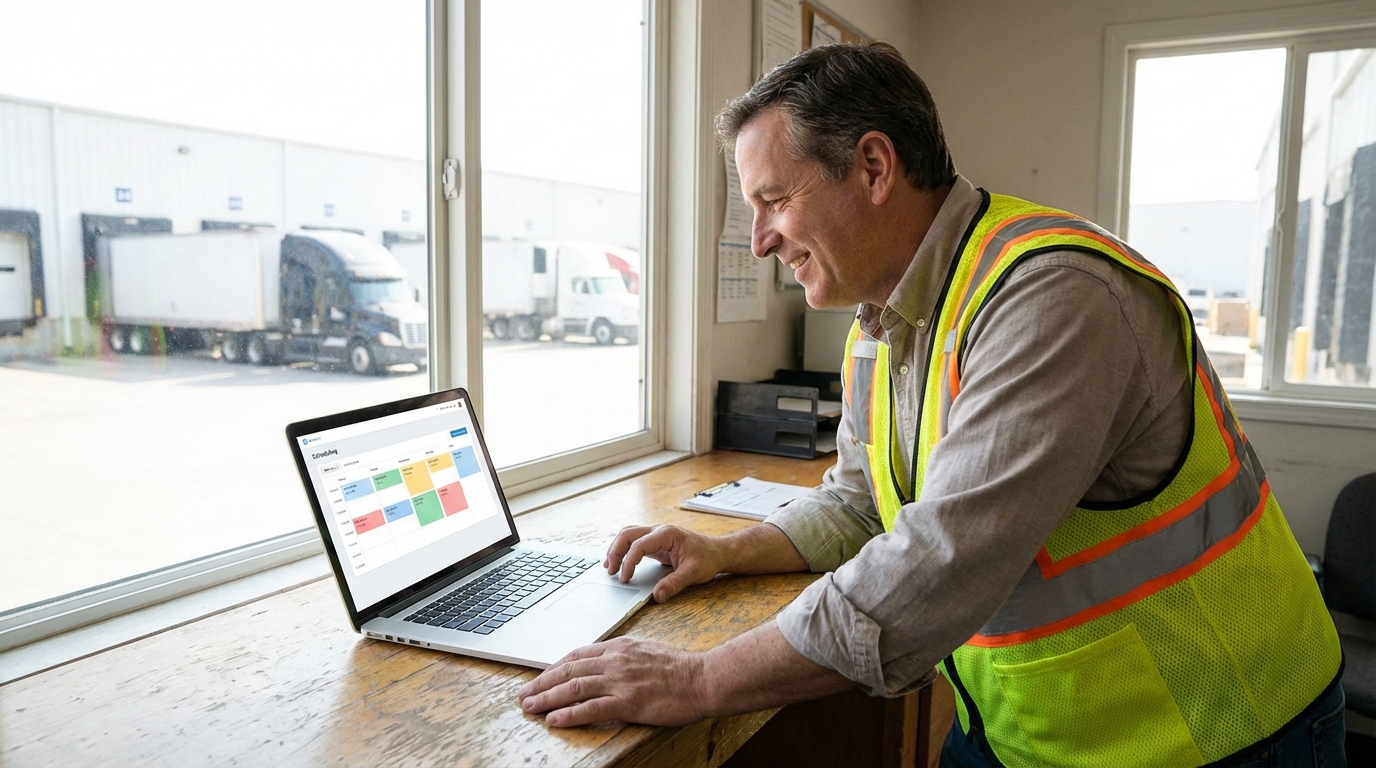
Your team taps "Start Unload." ProDocks records the time, updates the live dock board, and begins tracking dwell time from arrival.
BOL & Damage Captured
Unload done. Dock worker snaps a photo of the BOL and any damage — both attached to the shipment record automatically. No more lost paperwork.
Non-Compliance #NC-492
Detected at Inbound Dock 4
Everyone Gets Notified
Automated emails fire to customers and carriers at every milestone — confirmed, arrived, unloading, complete — with BOL photo and damage notes attached.
The Result? A Dock That Runs Itself.
Every appointment, timestamp, photo, and notification — handled automatically. Your team moves freight, not paperwork.
“We went from managing appointments in a shared spreadsheet to having carriers book themselves and every delivery timestamped with photo proof. The amount of time we got back is unreal.”
— Operations Manager
Regional Distribution Center, 20+ doors
Simple, Transparent Pricing
Monthly per facility. No setup fees.
Launch
Digital scheduling basics
Scale
Automation & compliance
Enterprise
Multi-facility networks
Resources
View all →What Is Dock Scheduling Software?
A complete guide to digitizing your dock operations from booking to delivery.
Affordable Dock Scheduling — Starting at $25/mo
Why paying 10x more for dock scheduling doesn't make sense anymore.
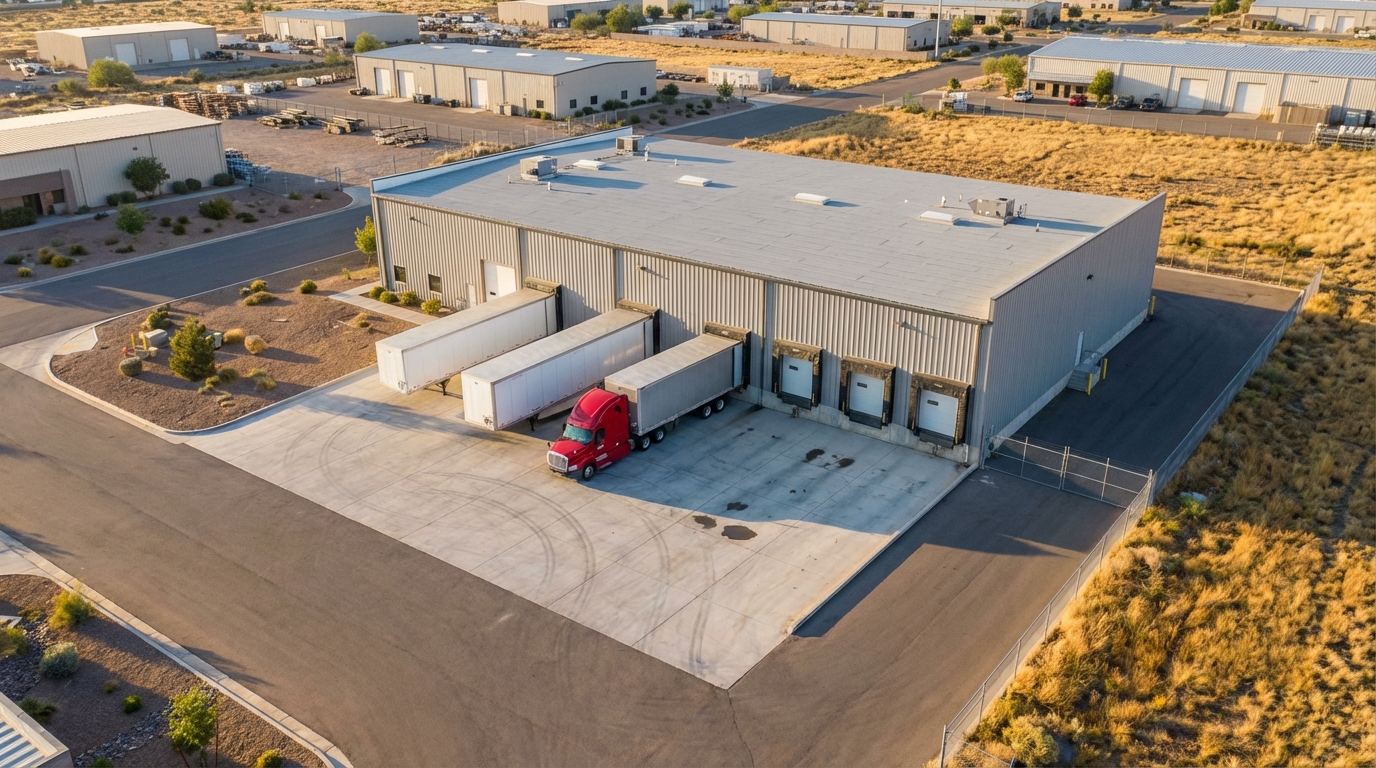
How to Reduce Truck Wait Times at Your Dock
Five proven strategies to cut dwell time and keep carriers coming back.
Frequently Asked Questions
See It in Action
Follow a shipment from booking to delivery confirmation.