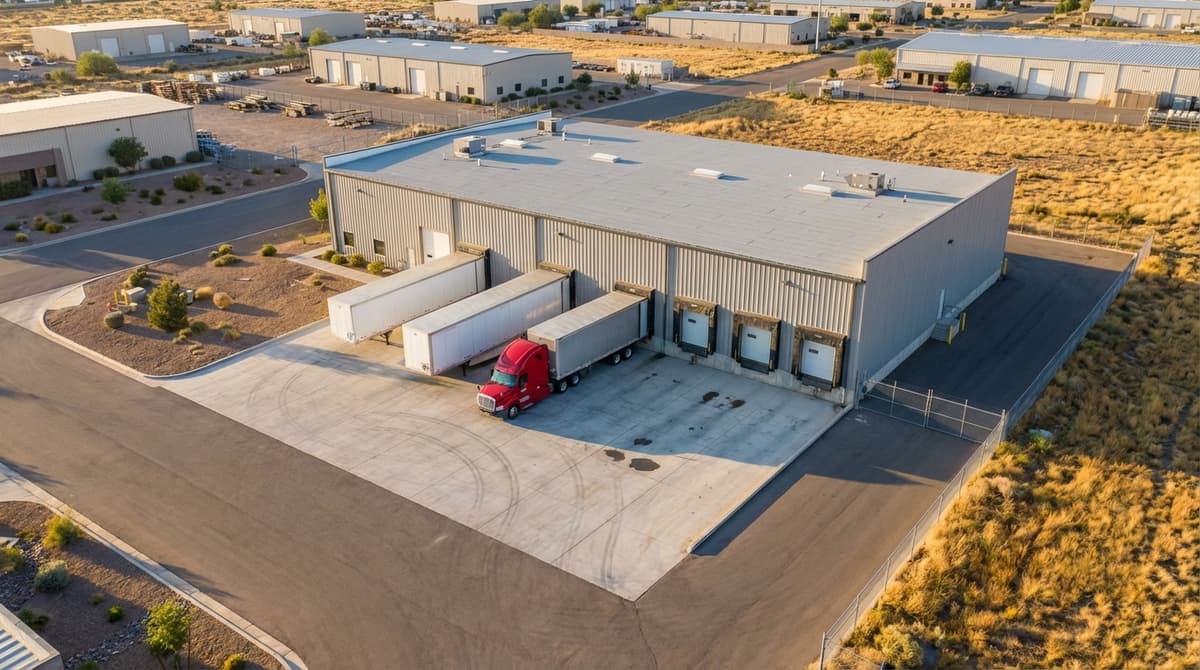
If you manufacture to order and ship on a collect freight basis, you already know the problem. Your customer routes the carrier — they pick who books the truck. You stage the product, post the ship date in SAP, and then you wait. When the carrier shows up three days late, your finished goods sit in the staging area, production schedules back up, and you have no data to show who caused it or when.
This is the customer-routed freight compliance blind spot. And it's why operations managers at food manufacturers, CPG companies, and retail vendors often describe the same frustration:“I know they were late. I just can't prove it.”
The good news: you don't need to control the booking to own the compliance record. You just need a system that lets you enter the appointment yourself and timestamp what actually happens.
Why Customer-Routed Freight Creates a Compliance Blind Spot
In a standard shipper-managed model, you book the carrier. You have a direct relationship with dispatch, and you can pull performance data from your TMS or load board. When a carrier misses a pickup, you have the receipt.
Customer-routed freight inverts this. Your customer selects the carrier. Their procurement team negotiates the rate. The carrier's obligation is to the buyer — not to you. When something goes wrong, the carrier has no incentive to report to your dock, and your customer often assumes the problem originated at your facility.
For manufacturers where 60–80% of outbound volume is customer-routed, this isn't a minor inconvenience. It means the majority of your freight moves without a compliance record you can act on. Inventory sits. Production backs up. Revenue delays. And you're holding the bag with no data to show it wasn't your fault.
The Four Data Points That Build the Compliance Record
You don't need a full TMS integration or a carrier data feed to track pickup compliance. You need four fields per shipment:
- Requested ship date — the date your customer's PO or your SAP order says the product should leave your facility
- Assigned carrier — the carrier your customer nominated for this shipment
- Actual arrival timestamp — when the driver physically arrived at your dock, captured automatically (not estimated)
- Customer and lane — which customer account and which origin-destination lane this shipment belongs to
The gap between field 1 (requested ship date) and field 3 (actual arrival) is your compliance metric. That's it. Once you have those four fields logged consistently, you can calculate on-time pickup rate by carrier, by customer, by lane, and by facility — and you can export it for any carrier review or customer accountability conversation.
Why Spreadsheets Can't Build This Record
Most manufacturers trying to track this today are doing it manually. Someone on the shipping team keeps a log: date the order was ready, date the truck showed up, which carrier. It works — until it doesn't.
The manual approach has two fatal flaws. First, the arrival timestamp is estimated, not captured. Someone looks up from what they're doing, notices a truck in the yard, writes down an approximate time. That's not a compliance record — that's a guess with a pen. When the carrier disputes the delay, your estimate isn't documentation.
Second, manual logs don't scale across facilities. If you have five plants, each running their own spreadsheet, you have five separate datasets with different columns, different conventions, and no way to aggregate carrier performance across the network. Post-acquisition rollups are a nightmare. Carrier reviews require weeks of data cleanup before you can show anything meaningful.
How to Enter Outbound Appointments When the Carrier Doesn't Book
The key operational shift is this: stop waiting for the carrier to create the appointment record. Create it yourself.
When a production run completes and the order is ready to ship, your team enters an outbound appointment in your dock scheduling system. You log the ship date from the PO, the assigned carrier, and the customer. Then you send the carrier a booking confirmation — including a QR code — that tells them what's expected and when.
The carrier doesn't need to log into a portal. They don't need to create an account. When the driver arrives, they scan the QR code at the dock. ProDocks timestamps that check-in automatically. Your team gets notified without interrupting their work. And you now have an exact arrival time attached to a shipment record that already contains the requested ship date.
The gap between those two timestamps — requested ship date and actual driver arrival — is your carrier compliance data. Logged, timestamped, and exportable.
Multi-Site Rollout: Building Network-Level Visibility
The real leverage of this approach is what happens when you apply it across multiple facilities. A single plant gets useful data. A network of 10 or 20 plants gets actionable intelligence.
When every site is logging outbound appointments and timestamping arrivals the same way, you can aggregate carrier performance across your entire network. You'll see that one carrier is at 91% on-time pickup at your Michigan plant but 64% at your Ohio plant. You'll see that one customer's nominated carrier consistently misses windows on Friday shipments. Those patterns are invisible when each plant runs its own spreadsheet.
For manufacturers who have grown through acquisition — ending up with 15 or 20 plants each running different processes — this kind of standardized compliance tracking is often the first operational data layer that makes the network legible. Food manufacturers with multi-site operations are finding that 15-minute setup per plant and a shared dashboard gets them from zero to network-level visibility in weeks, not quarters.